

Appearance
Maintain Visual Brand Consistency
Every image Brande.ai generates springs from your Brand DNA. This automated consistency means your visual identity stays locked across projects, platforms, and time—without needing a style guide or design approval for every asset.
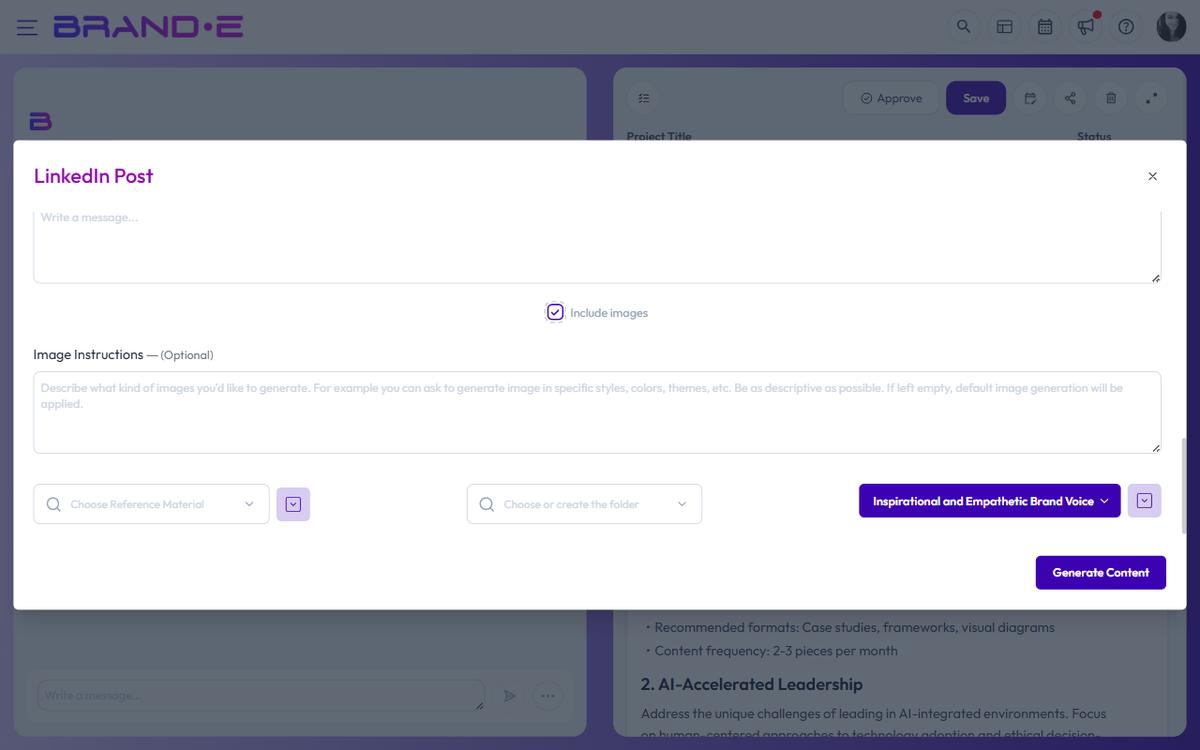
How Brand DNA ensures consistency
Your Brand DNA contains the visual rules that matter:
- Primary and secondary color palettes
- Logo usage guidelines
- Photography or illustration style preferences
- Typography and layout hierarchy
- Target audience aesthetics (luxury, casual, corporate, etc.)
When Brande.ai generates images, it reads these rules and applies them automatically. Every image—whether it's a social post, blog header, or promotional graphic—inherits your brand's visual language.
What consistency means in practice
Consistent colors: All images use your brand palette. No random color choices.
Consistent style: Images feel related to each other, even when created months apart. Photography style, illustration approach, and design aesthetic are uniform.
Consistent quality: Professional-looking assets across all projects. No designer needed.
Consistent identity: Anyone seeing your images knows they're from your brand.
Update Brand DNA to refine consistency
If your images don't feel consistent with your brand:
- Review your Brand DNA in brand settings
- Add or clarify color definitions
- Describe your visual style more specifically
- Add photography or illustration preferences
- Regenerate images in existing projects
All future images will reflect the updated guidance.
Tips for strong visual consistency
1. Keep Brand DNA up-to-date
- Review it quarterly
- Add new colors or styles as your brand evolves
- Keep descriptions specific and actionable
2. Use Image Instructions consistently
- Establish a standard format for your instructions (e.g., style + mood + composition)
- Reference your Brand DNA in instructions: "In line with our minimalist aesthetic..."
- Reuse successful instruction templates
3. Review projects before publishing
- Check generated images against Brand DNA
- Flag anything that feels off-brand
- Update guidelines if the brand intention has changed
4. Archive old projects
- If a project's images don't reflect current brand, mark it "Archived"
- This keeps your project list focused on current standards
- Prevents confusion about which brand direction is current
When visual consistency breaks down
If images don't match Brand DNA:
- Check that Brand DNA is complete and specific
- Verify Image Instructions align with Brand DNA (not contradicting)
- Look for outdated brand guidance in your profile
- Consider if your brand has evolved and needs updated Brand DNA
- Regenerate images with refined instructions
Consistency across teams
If multiple people generate content for your brand:
- Share your Brand DNA document with all team members
- Keep brand rules in one place (Brand DNA settings)
- Review Image Instructions before approving projects (using project approval)
- Sync on any brand direction changes before projects launch
Brand DNA becomes the source of truth, so everyone's images look connected.