

Appearance
Premium Feature Access
Modal Shows "Premium Feature" or "Upgrade Your Plan"
Direct Answer: The feature you're accessing isn't included in your current plan. You need to upgrade to unlock it.
How to Fix This
Check what your plan includes
- Go to Account Settings > Subscription
- Compare your current plan against the feature list
- Note which features require upgrades
Identify the feature's requirements
- Click the info icon next to "Premium Feature"
- It shows which plan tier includes this feature
- Some features require Team or Agency plans
Upgrade your plan
- Go to Account Settings > Billing
- Select the plan that includes the feature you need
- Billing updates immediately; you get access right away
Contact your account manager (for enterprise/team plans)
- If you have a team, the account owner may need to approve upgrades
- Reach out to support to discuss team feature access
If This Doesn't Work
- Check that the upgrade processed — Refresh the page after upgrading
- Verify you're logged into the right account — Some users have multiple Brande accounts
- Contact support — There may be a caching issue preventing access
"You Can't Access This Feature During Trial Period"
Direct Answer: Your trial plan doesn't include this feature. Upgrade to a paid plan to unlock all features.
How to Fix This
Start a free trial upgrade
- Go to Account Settings > Subscription
- Select "Upgrade Plan" to activate a paid subscription
- Your trial automatically converts to the paid plan
Choose the right plan tier
- Creator plan — core content generation, 1 brand, 3 brand voices
- Growth plan — adds snippets, reference materials, unlimited recommendations, project approval
- Agency plan — adds project comments, brand messaging fingerprint, 3 brands, 100 collaborators, checklist templates
Apply any available discount
- If you have a promo code, enter it during checkout
- Some plans offer annual discounts
Features Limited During Trial
- Advanced AI generation (content length, request limits)
- Brand voice analysis (limited to 3 analyses)
- Team collaboration (single-user only during trial)
- API access (not available in trial)
- Custom integrations (Team/Agency plans only)
If This Doesn't Work
- Contact sales — Special trial extensions available on request
- Check expiration date — Your trial may have ended; upgrade to restore access
- Verify your plan type — Some trial accounts are restricted by feature, not time
"You Have Reached Collaborator Limit"
Direct Answer: Your plan allows a set number of team members. Upgrade your plan or remove inactive collaborators.
How to Fix This
Check your collaborator limit
- Go to Team Settings > Members
- Count active team members
- Compare against your plan's limit
Remove inactive members
- In Team Settings > Members, click the X next to inactive users
- Removing members frees up slots immediately
- They lose access to shared projects
Upgrade your plan
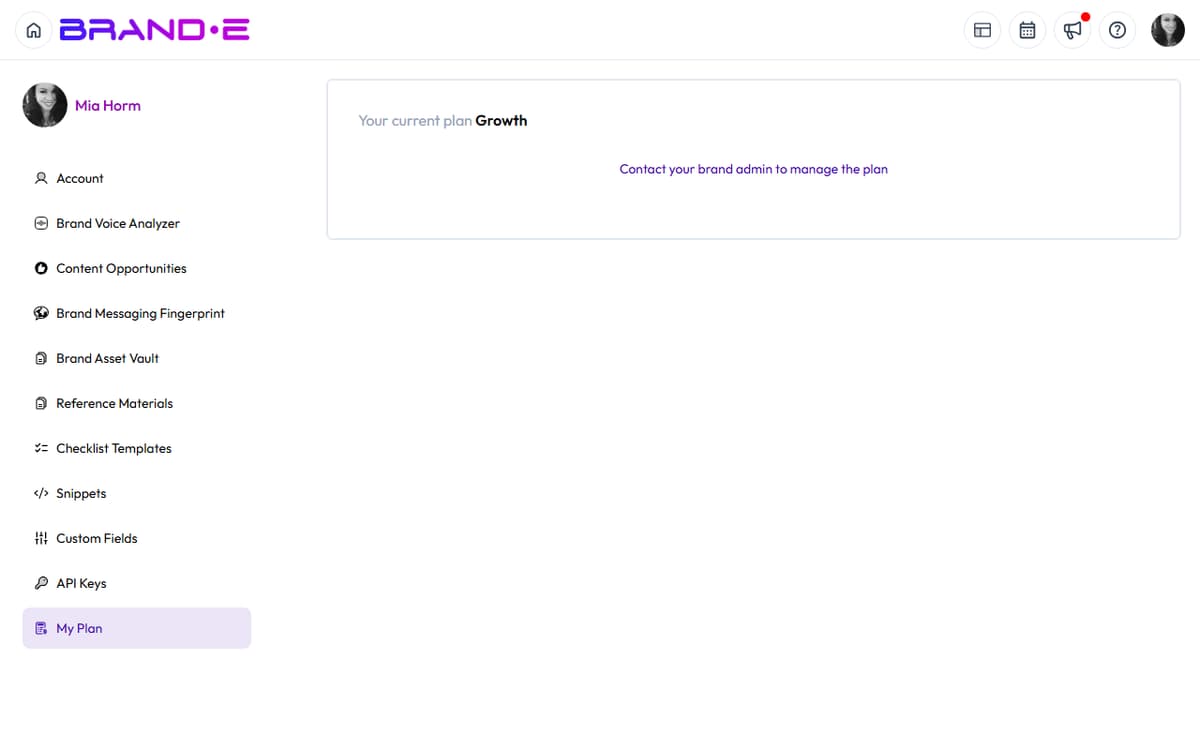
- Go to Account Settings > My Plan
- Growth plan: up to 10 collaborators
- Agency plan: up to 100 collaborators
- Upgrade takes effect immediately
Use guest invites instead (for contractors/clients)
- Some plans allow guest access without using collaborator slots
- Guest invites expire after 30 days
- Check your plan documentation for guest limits
If This Doesn't Work
- Contact support for a manual increase — Enterprise accounts can request custom limits
- Verify removed members were deleted — Refresh the page to confirm slots were freed
- Check if you're on the right account — Multi-account users sometimes confuse limits