

Appearance
Account and Login Issues
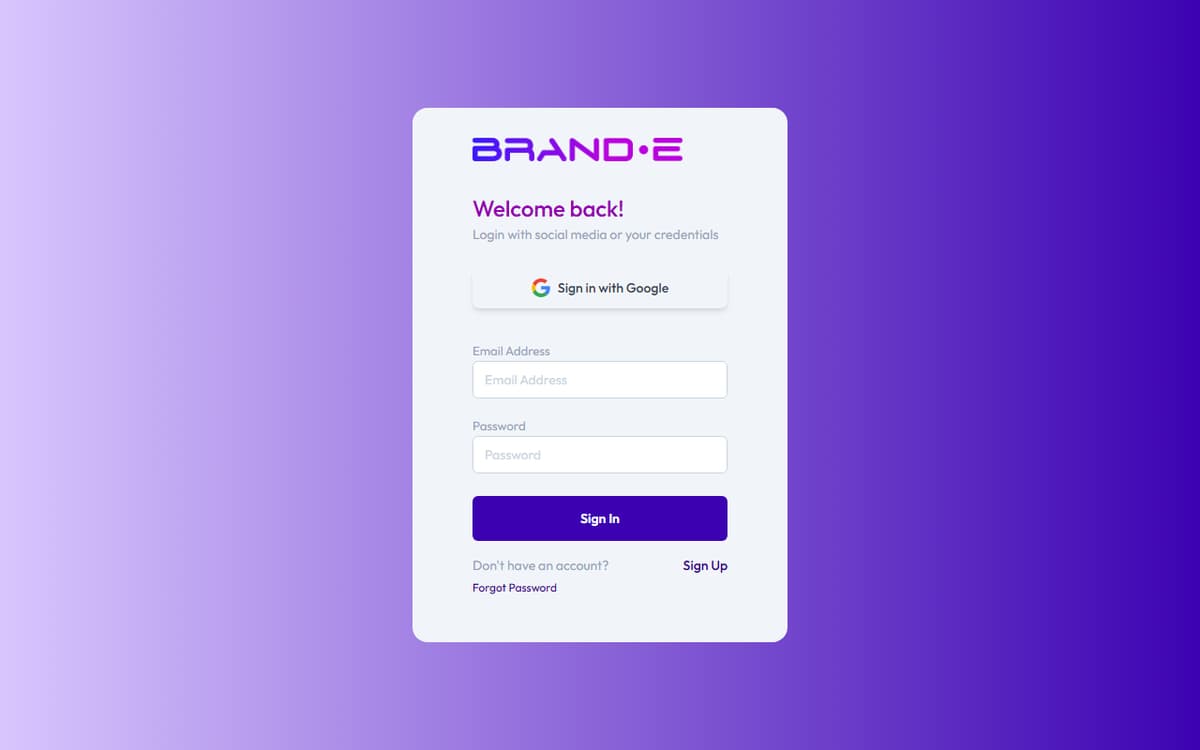
Login Fails with "Invalid Email" or "Invalid URL"
Direct Answer: The email address or password field contains a formatting error. Check for extra spaces or typos.
How to Fix This
Verify email format
- Email must be: yourname@example.com
- Check for extra spaces before or after the email
- Confirm @ symbol is present
- Common mistake: "your email @example.com" (space before @)
Clear the field and re-enter
- Delete the email and type it slowly
- Watch for autocomplete errors
- Don't copy/paste if it might include spaces
Check if email is registered
- The email might not have an active Brande account
- Try a different email address you know is registered
- If unsure, use "Forgot Password" to trigger account recovery
If This Doesn't Work
- Try a different browser — Some browsers have autocomplete issues
- Clear browser cache — Cached bad data might be persisting
- Contact support with your email — We can verify if your account exists
Password Validation Error "Password Must Match"
Direct Answer: The password you entered doesn't match the requirements, or the two password fields don't match (during signup/reset).
How to Fix This
Check password requirements
- Minimum 8 characters
- A strength indicator guides you — weak passwords are blocked on submission
Verify both fields match (during signup or reset)
- Password field and Confirm Password field must be identical
- Retype both slowly to avoid typos
- Check for accidental spaces at the end
Avoid common weak passwords
- Don't use: password, 123456, qwerty, yourname
- Don't use: repeating characters (aaaaa, 12345)
- Use a mix of unrelated words: Coffee7Tiger
If This Doesn't Work
- Clear both fields and start over — Cached values might be interfering
- Check Caps Lock — Accidentally enabled Caps Lock is a common issue
- Use a password manager — Generate a strong password and save it
- Contact support — Rare password validation bugs occasionally occur
Password Reset Email Never Arrives
Direct Answer: The email is delayed, went to spam, or the email address isn't registered with Brande.
How to Fix This
Check spam/junk folder
- Look in spam, promotions, or other filtered folders
- Add noreply@brande.ai to your contacts to prevent future filtering
- Move the email to inbox and mark as "not spam"
Wait a few minutes
- Email can take 2-5 minutes to arrive
- If nothing arrives after 10 minutes, proceed to step 3
Verify the email is registered
- The email might not have a Brande account
- Try requesting a reset with a different email
- If that email doesn't work either, your account might not exist
Request a new reset email
- Go to login page > "Forgot Password"
- Enter your email and click "Send Reset Link"
- Wait 10 minutes before requesting another one
- Multiple requests within minutes get rate-limited
If This Doesn't Work
- Check your email provider's settings — Some providers block automated emails
- Try a different email provider — Gmail, Outlook, Yahoo all work
- Whitelist Brande's email domain — Ask your email provider to allow noreply@brande.ai
- Contact support with your email — We can manually trigger a reset
Reset Password Link Expires or Shows "Invalid Token"
Direct Answer: The reset link expired or was already used. Request a new one.
How to Fix This
Request a new reset link
- Go to login page > "Forgot Password"
- Enter your email address
- Check your email for a new link (check spam folder too)
Act quickly on new link
- Complete the reset as soon as you receive the email
- Don't wait to reset later
Use the link in a new tab
- If you already used the link, clicking it again fails
- Open a fresh private/incognito tab and paste the link
Token Validity Rules
- Reset links expire after a short window from sending
- Each link can only be used once
- Requesting a new reset invalidates the old link
- If the link shows "Invalid Token," request a new reset
If This Doesn't Work
- Try the link immediately after receiving email — Don't wait, timers start on send
- Don't close browser tab during reset — Closing/reloading can invalidate the session
- Contact support — We can manually reset your password