

Appearance
Brand Voice Analysis Failures
Analysis Returns "Brand Analysis Failed"
Direct Answer: Your input is either empty, unsupported, or the URL is unreachable. The analysis engine can't process what you've provided.
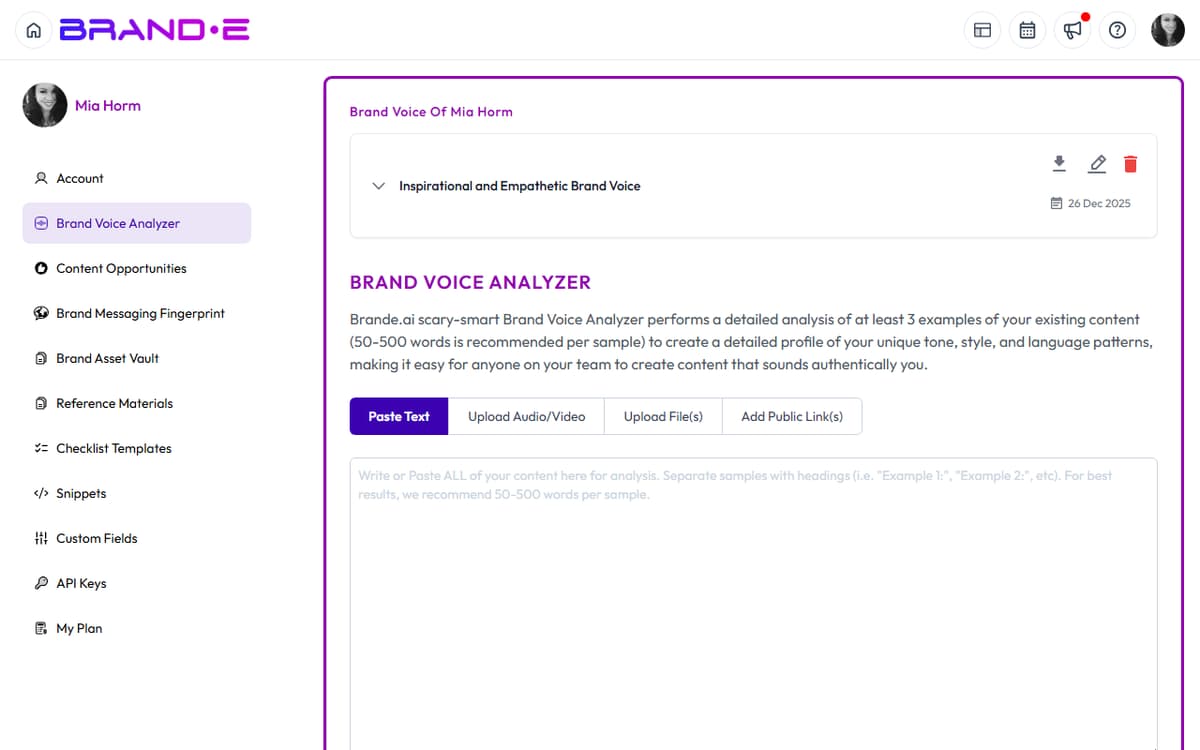
How to Fix This
Verify your text input isn't empty
- If using text input, ensure you've entered at least a few sentences
- Copy the text into a text editor to confirm it contains characters
Check the URL is valid and reachable
- Paste the URL into your browser to confirm it loads
- Verify the URL starts with
http://orhttps:// - Check that the page isn't behind a login wall or firewall
Confirm the file format is supported
- Supported formats: PDF, DOCX, TXT, CSV
- Images, videos, and audio files aren't supported
- Convert unsupported formats to PDF or DOCX first
Ensure sufficient content length
- Provide at least 100-150 words for accurate analysis
- Short snippets may return incomplete results
If This Doesn't Work
- Try a different URL or text sample — Some web pages have dynamic content that may fail on first load
- Clear your browser cache — Outdated session data can cause parsing errors
- Check your internet connection — Weak connections may timeout during analysis
- Contact support with the URL or file — We can troubleshoot why that specific source is failing
Analysis Starts But Never Completes
Direct Answer: The analysis is timing out, usually because the source content is too large or the server is slow.
How to Fix This
- Try a shorter text or smaller file — If analyzing a URL, test with a simpler page first
- Wait longer before refreshing — Large analyses can take 30-60 seconds
- Check your connection speed — Slow networks extend processing time; switch to a faster network if possible
Analysis Completes But Shows "Missing URL"
Direct Answer: The URL field is required even if you uploaded a file. You need to either add a URL or clear that field.
How to Fix This
- Add the source URL if you have it, or
- Switch to text input mode — Paste the content directly instead of referencing a URL
- Remove the invalid URL from the field before resubmitting